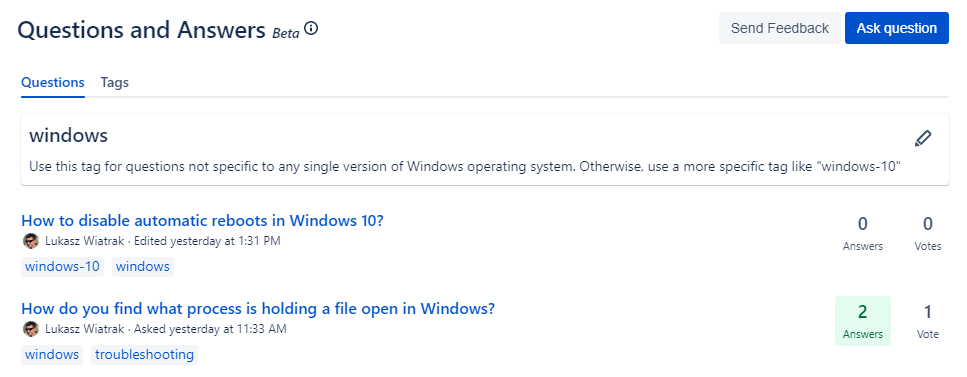

We've added ability to assign tags to questions. Going into details, this includes following functionalities:
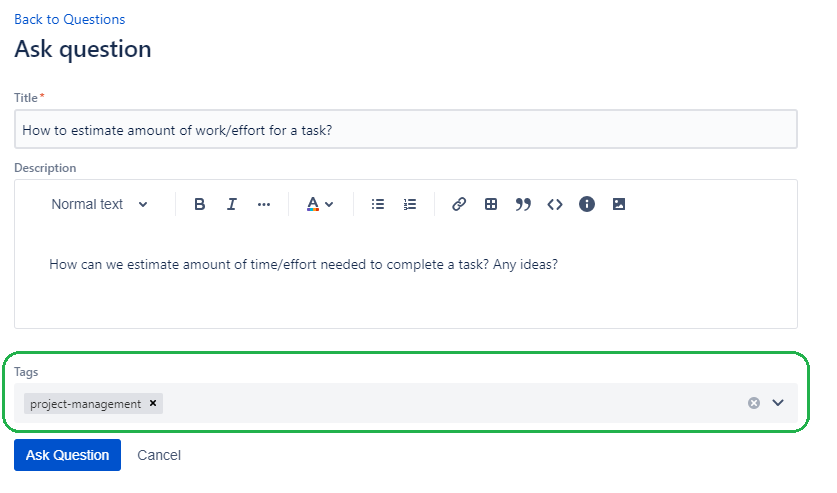
Assigning tags to questions
Each question can have up to 5 tags. Tags can be assigned when creating/editing question. They are visible on questions list and in question details. See screenshots below:
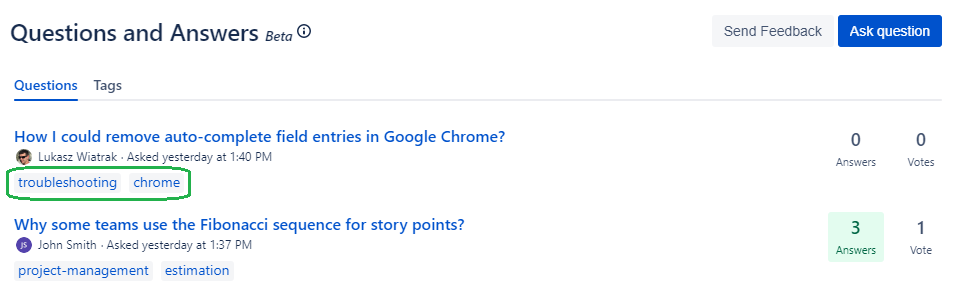

Displaying tags
We added new tab where list of all tags available in space is displayed. Additionally you can see how many questions are tagged for each tag.
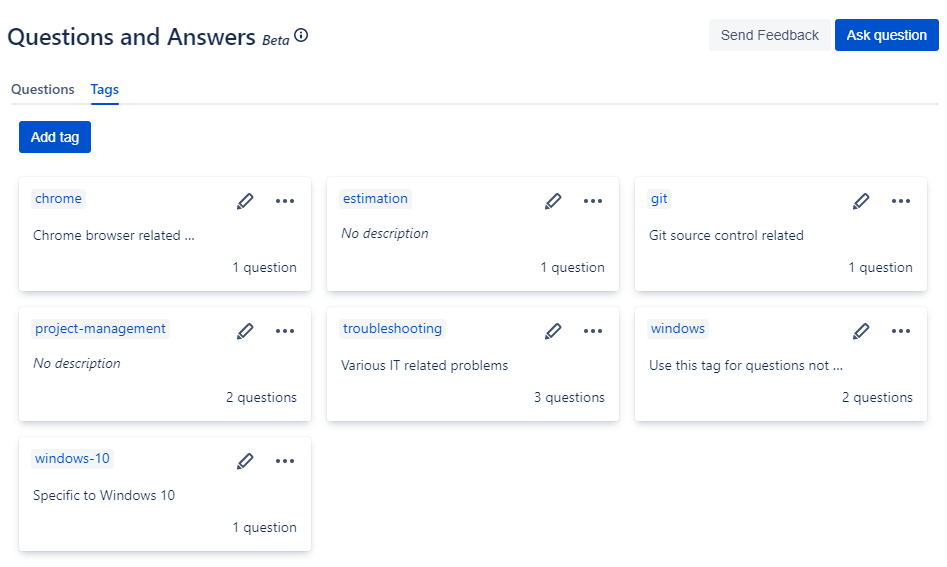
Managing tags
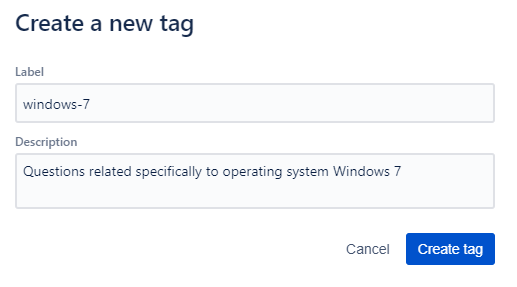
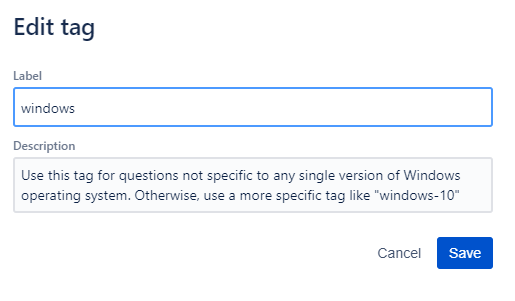
To make managing tags easier, we added possibility to create tags, update existing ones and delete them. You can add description to each tag as well.
Creating tags
Editing tags
Deleting tags

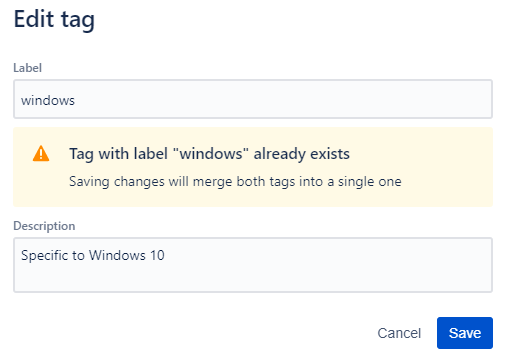
Merging tags
You can merge tag to another by editing it and changing label to another tag's one
Filtering by tags
Clicking on tag displays all questions tagged with it. Information about tag, including its description is displayed at the top.